

Connected forms
Place signup and subscription forms on your website and send each new contact into the intended list.
Lead capture and audience management
Publish embedded signup forms connected to the right list, collect useful customer fields and prepare relevant follow-up without rebuilding the audience by hand.
Connect each form to the correct list
Organise contacts with fields and tags
Segment by attributes and engagement
How it works
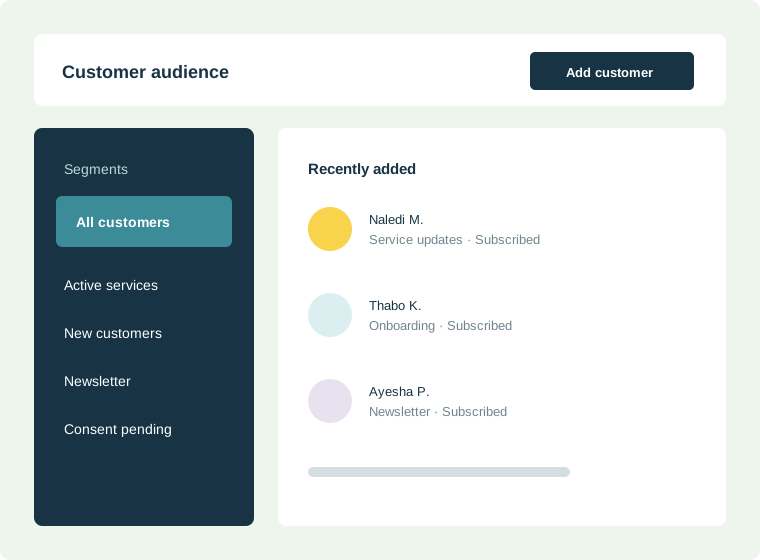
Embedded subscription forms can add contacts directly to the intended list. Custom fields and tags provide context, while segments can use attributes, engagement and verification results to select the right audience for later communication.
Built for everyday communication
Replace disconnected forms and spreadsheets with audience data that supports a clear customer communication decision.
Place signup and subscription forms on your website and send each new contact into the intended list.
Group contacts using customer attributes, tags, engagement and address-verification results.
Keep subscription status and unsubscribe activity visible as the audience grows.
Built for practical use
Flexible enough for marketing, focused enough for the customer communication your organisation depends on.
Practical guidance
Turn the feature into a reliable customer communication practice with guidance specific to this workflow.
Collect information that changes what you send, such as service type, location or communication preference. Avoid fields that add friction without supporting a clear customer experience.
Decide where customer details are corrected and who owns imports, duplicates and removals. A clear process prevents conflicting records across spreadsheets, forms and business systems.
Customer needs change over time. Make it simple to update interests or unsubscribe, then ensure those choices are reflected before the next campaign.
Common questions
Yes. A lead-capture or subscription form can be connected to the list intended for that audience, reducing manual sorting after submission.
Collect only fields that support a clear communication purpose, such as service type, location or preference. Extra fields create friction and add data your team must govern.
Segments can use subscriber attributes, tags, engagement and verification results so a message reaches the contacts it genuinely applies to.
Ready when you are
Before you begin
Strong results start with a clear communication process—not simply more software.
Shorter forms reduce friction and avoid storing customer information that has no communication purpose.
Set clear expectations about the type and frequency of messages before a person subscribes.
Agree on naming rules for lists, tags and segments so the audience stays understandable as it grows.
Measure what matters
Use these indicators to improve the communication process, not merely to produce another report.
Shows whether the capture experience is clear and appropriately short.
Monitor invalid addresses, duplicates and inactive records as the database grows.
A good segment should support a real communication decision, not merely add complexity.