

Branded communication
Build service updates, announcements and campaigns with reusable templates and focused editing tools.
Customer communication at scale
Create branded announcements, service notices, newsletters and personalised campaigns, then schedule delivery and follow every result from one South African platform.
Personalise messages with customer fields
Send now or schedule for the right time
Inspect delivery and recipient activity
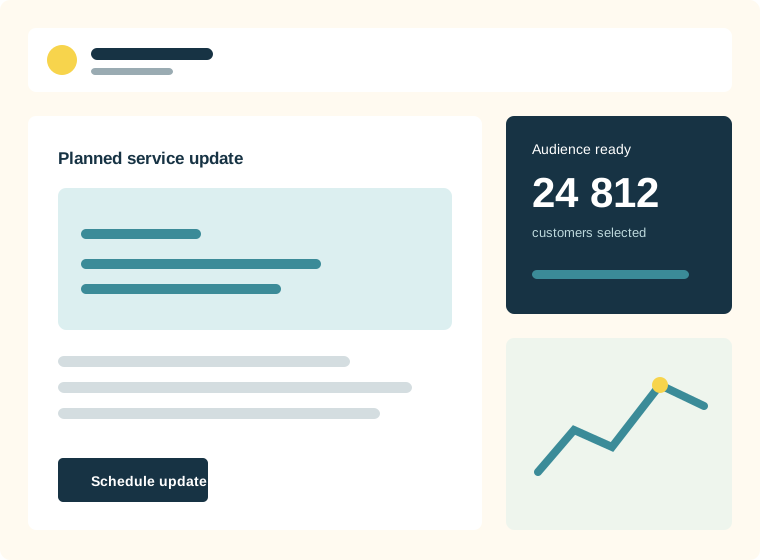
How it works
NexaMail brings operational notices and email marketing campaigns into a single, practical workflow. Teams can prepare branded messages, choose the appropriate audience and schedule delivery without relying on an enterprise marketing stack.
Built for everyday communication
Keep operational communication, newsletters and campaigns organised without treating every message like a generic bulk send.
Build service updates, announcements and campaigns with reusable templates and focused editing tools.
Choose lists, tags and segments so each update reaches the customers it applies to.
Review delivery, opens, clicks, bounces, complaints and unsubscribes, with downloadable logs when deeper investigation is needed.
Built for practical use
Flexible enough for marketing, focused enough for the customer communication your organisation depends on.
Practical guidance
Turn the feature into a reliable customer communication practice with guidance specific to this workflow.
A maintenance notice, billing update and monthly newsletter serve different needs. Lead with the information the customer needs now, use descriptive subject lines and keep important dates or actions easy to scan.
Send to current, permission-aware records and remove repeatedly invalid addresses. Consistent list hygiene reduces wasted volume and helps legitimate service messages reach the inbox.
Share the sending schedule with customer-facing teams. When support knows what customers received, questions can be answered consistently and gaps in the message become easier to identify.
Common questions
Yes. Use the same platform for essential customer updates, newsletters and promotional campaigns while keeping audiences and reporting organised.
Yes. Campaigns can be prepared and scheduled ahead of time, which is useful for planned maintenance, recurring notices and coordinated announcements.
Yes. NexaMail is positioned for South African organisations that need predictable, affordable capacity for regular and high-volume customer communication.
Ready when you are
Before you begin
Strong results start with a clear communication process—not simply more software.
Separate essential service information from promotional content so customers immediately understand why the email matters.
Use current customer data and relevant segments instead of sending every update to the entire database.
Make the next action clear, whether customers should read, confirm, contact support or visit an account page.
Measure what matters
Use these indicators to improve the communication process, not merely to produce another report.
Confirms whether the customer update reached valid inboxes.
Shows whether recipients followed the important action in the message.
Compare campaign timing with support enquiries to identify unclear communication.